Windows & macOS
The full Focus Mode experience, Typst-inspired typography, full-keyboard navigation, context-bound AI companion, scanned PDF reflow and multi-format support.
Focusing on one meaningful unit at a time, unified typography, keyboard-first navigation, and zero distractions.
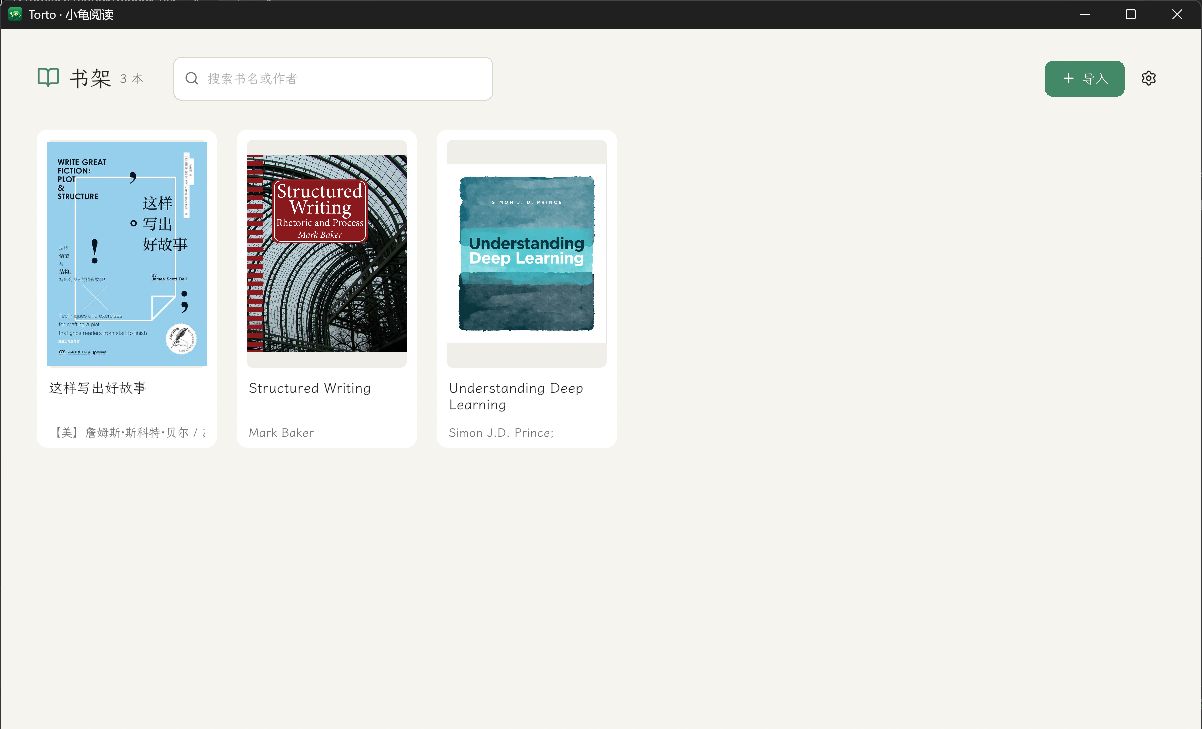
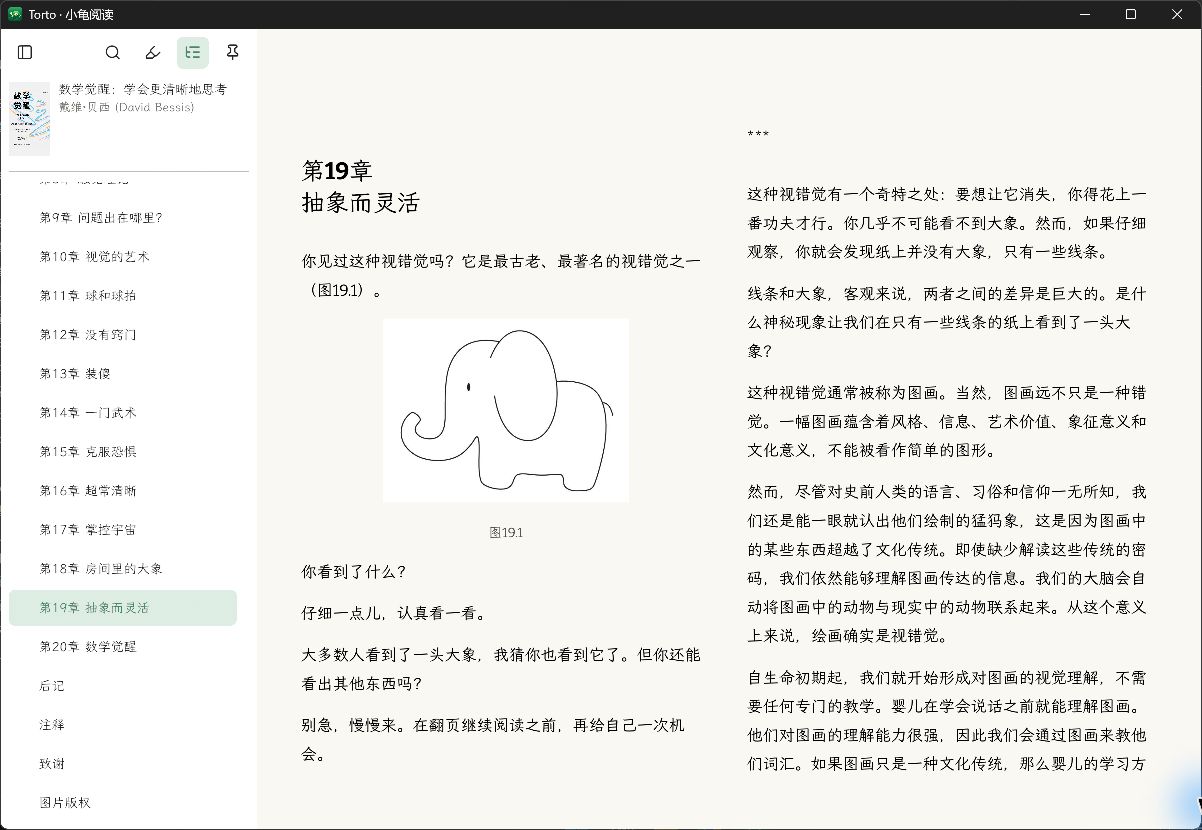
Pure native applications with zero browser bloat, syncing directly through your private cloud.
The full Focus Mode experience, Typst-inspired typography, full-keyboard navigation, context-bound AI companion, scanned PDF reflow and multi-format support.
Native lightweight reading with multi-format import, elegant typography, table-of-contents navigation, progress restoration and desktop-compatible cloud sync.
Every feature is purposefully designed to foster a calm, serene, and deeply focused reading atmosphere.
Advances smoothly paragraph by paragraph so your mind stays in flow.
The active paragraph stays centered in your comfortable line of sight.
Split long dense paragraphs into clear sentences for effortless close reading.
Select text freely and attach notes that remain permanently tied to the exact passage.
Footnotes collapse into neat badge icons that expand instantly on demand.
The cursor fades away automatically in Focus Mode for zero visual distraction.
Free of heavy web wrappers. Starts instantly, runs light, and scrolls with butter-smooth fluidity.
Advanced CJK punctuation hanging and compression rules for book-like layout quality.
Preserves author signatures, centered quotes, and artistic book layouts faithfully.
Normalize font sizes, line heights, and margins with one click, or toggle back anytime.
Choose between single-column, two-column spread, or continuous vertical scroll.
Copy complex book tables directly as standard Markdown for your personal notes.
AI discussions strictly attach to the active passage without confusing context.
Key insights include clickable paragraph citations jumping directly to the source text.
Native rendering for math formulas, tables, and zoomable diagrams.
Quickly find any passage across the book with matching excerpts and 1-click navigation.
Quick actions for chapter summaries, concept extraction, and live text polishing.
Read foreign classics with parallel bilingual view or full replacement translation.
Read DRM-free EPUB, MOBI, AZW/AZW3, FB2, CBZ comics, CHM docs, and PDF.
Browse book covers and start reading entirely with arrow keys and Enter.
Recognize scanned PDFs into reflowable text with adjustable fonts.
Sync books, progress, and notes between desktop and mobile with zero third-party relay.
Credentials stay in your OS secure vault. Books are never uploaded without consent.
Click illustrations for overlay zoom, panning, and quick clipboard copying.